#region 將 Json 解析成 DateTable ////// 將 Json 解析成 DateTable。 /// Json 數據格式如: /// {table:[{column1:1,column2:2,column3:3},{column1:1,column2:2,column3:3}]} /// ///要解析的 Json 字符串 ///返回 DateTable public DataTable JsonToDataTable(string strJson) { // 取出表名 var rg = new Regex(@(?<={)[^:]+(?=:[), RegexOptions.IgnoreCase); string strName = rg.Match(strJson).Value; DataTable tb = null; // 去除表名 strJson = strJson.Substring(strJson.IndexOf([) + 1); strJson = strJson.Substring(0, strJson.IndexOf(])); // 獲取數據 rg = new Regex(@(?<={)[^}]+(?=})); MatchCollection mc = rg.Matches(strJson); for (int i = 0; i < mc.Count; i++) { string strRow = mc[i].Value; string[] strRows = strRow.Split(','); // 創建表 if (tb == null) { tb = new DataTable(); tb.TableName = strName; foreach (string str in strRows) { var dc = new DataColumn(); string[] strCell = str.Split(':'); dc.ColumnName = strCell[0].Replace(, ); tb.Columns.Add(dc); } tb.AcceptChanges(); } // 增加內容 DataRow dr = tb.NewRow(); for (int j = 0; j < strRows.Length; j++) { dr[j] = strRows[j].Split(':')[1].Replace(, ); } tb.Rows.Add(dr); tb.AcceptChanges(); } return tb; } #endregion
格式如下:
{
    table: [
        {
            column1: 1,
            column2: 2,
            column3: 3
        },
        {
            column1: 1,
            column2: 2,
            column3: 3
        }
    ]
}
例如:
[{Code:MetaDataId,Name:MetaDataId},{Code:MetadataCode,Name:編號},{Code:SolutionName,Name:名稱}]
格式化後:
[
    {
        Code: MetaDataId,
        Name: MetaDataId
    },
    {
        Code: MetadataCode,
        Name: 編號
    },
    {
        Code: SolutionName,
        Name: 名稱
    }
]
代碼格式化工具: www.Bkjia.com
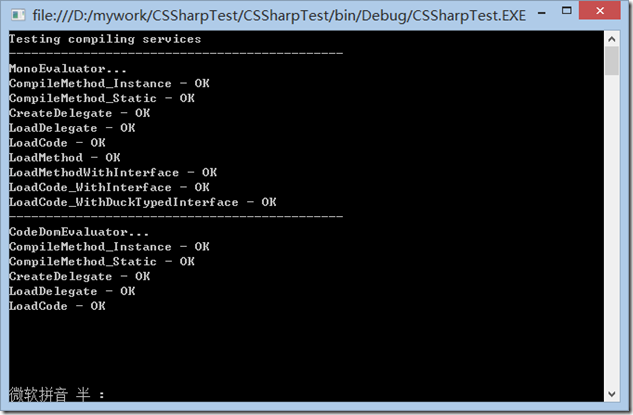
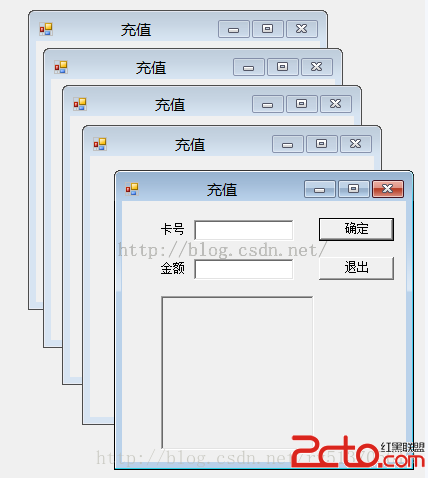
轉化後效果如下: