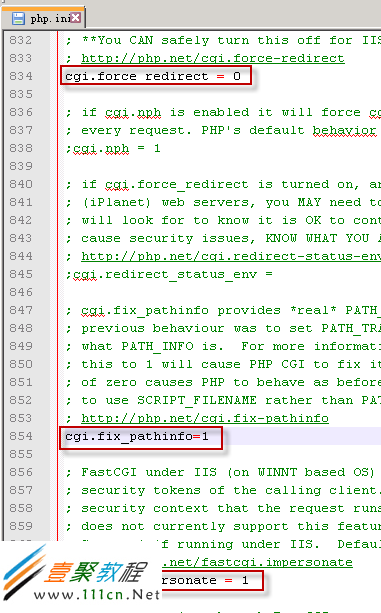
先給看下 大致的效果

那麼接下來的就直接貼代碼吧
<?php

    $image = imagecreatetruecolor(100, 30); //創建畫布

    $imagecolor = imagecolorallocate($image, 255, 255, 255);  //背景色

    imagefill($image, 0, 0, $imagecolor);  //填充背景色

    for($i=0;$i<4;$i++ ){                  //循環4位數

        $fontsize = 6;
        $fontcolor = imagecolorallocate($image, rand(0, 200), rand(0, 200), rand(0, 200));
        $fontcontent = rand(0, 9);

        $x = $i*100/4 + rand(5, 15);
        $y = rand(5, 10);

        imagestring($image, $fontsize, $x, $y, $fontcontent, $fontcolor);
    }


    for($i=0;$i<200;$i++ ){              //循環 添加干擾點

        $pointcolor = imagecolorallocate($image, rand(50, 200), rand(50, 200), rand(50, 200));

        $x = rand(1, 99);
        $y = rand(1, 29);

        imagesetpixel($image, $x, $y, $pointcolor);
    }


    for($i=0;$i<3;$i++){                //循環 添加干擾線

        $linecolor = imagecolorallocate($image, rand(100, 250), rand(100, 250), rand(100, 250));

        $x1 = rand(1, 25);
        $x2 = rand(50, 75);

        $y1 = rand(1, 15);
        $y2 = rand(15, 25);

        imageline($image, $x1, $y1, $x2, $y2, $linecolor);
    }


    header("content-type:image/png");

    imagepng($image);

    imagedestroy($image);

?>