Hey, everyone, good duck ! I'm a panda
I don't know if you have such a situation , Sometimes you want to transfer something from your computer to your cell phone or Pad , You either need to use a data cable to connect to the computer , Sometimes we have to install all kinds of drivers to transmit data , Or with the help of third-party tools , To transmit over a local area network , There is also the use of wechat file transfer assistant …
However, these operations are limited , For example, all kinds of drivers cannot be installed , The tools of the third party are suddenly stupid , Or suddenly cut off the Internet , This is wtf 了 .

however , We don't have any Python Well , Today, Shuai b Let me share a skill with you , Use a command to turn your computer into a server , In this way, your mobile phone can directly access the files of your computer .
The order is :
python3 -m http.server
what are you having? python I won't answer the related error report 、 Or source code information / Module installation / Women's clothing bosses are proficient in skills You can come here :(https://jq.qq.com/?_wv=1027&k=2Q3YTfym) Or the private number at the end of the text
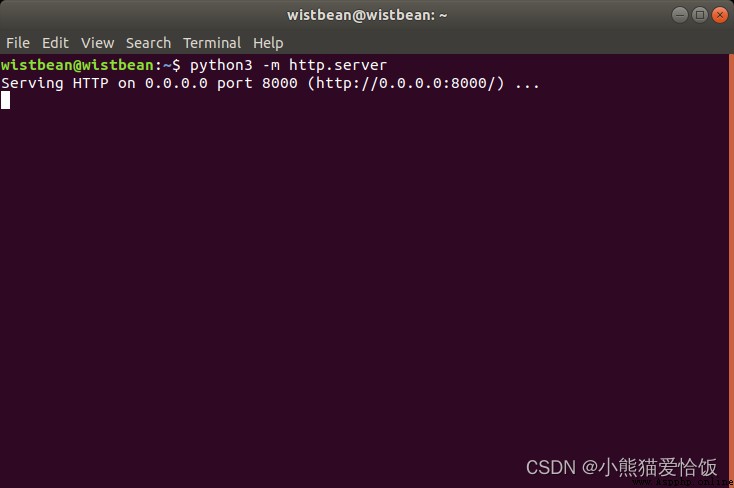
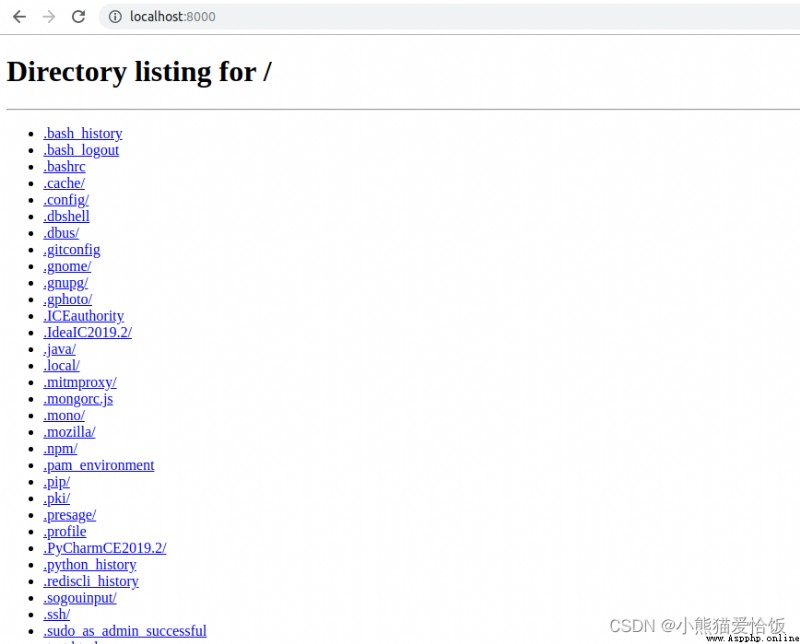
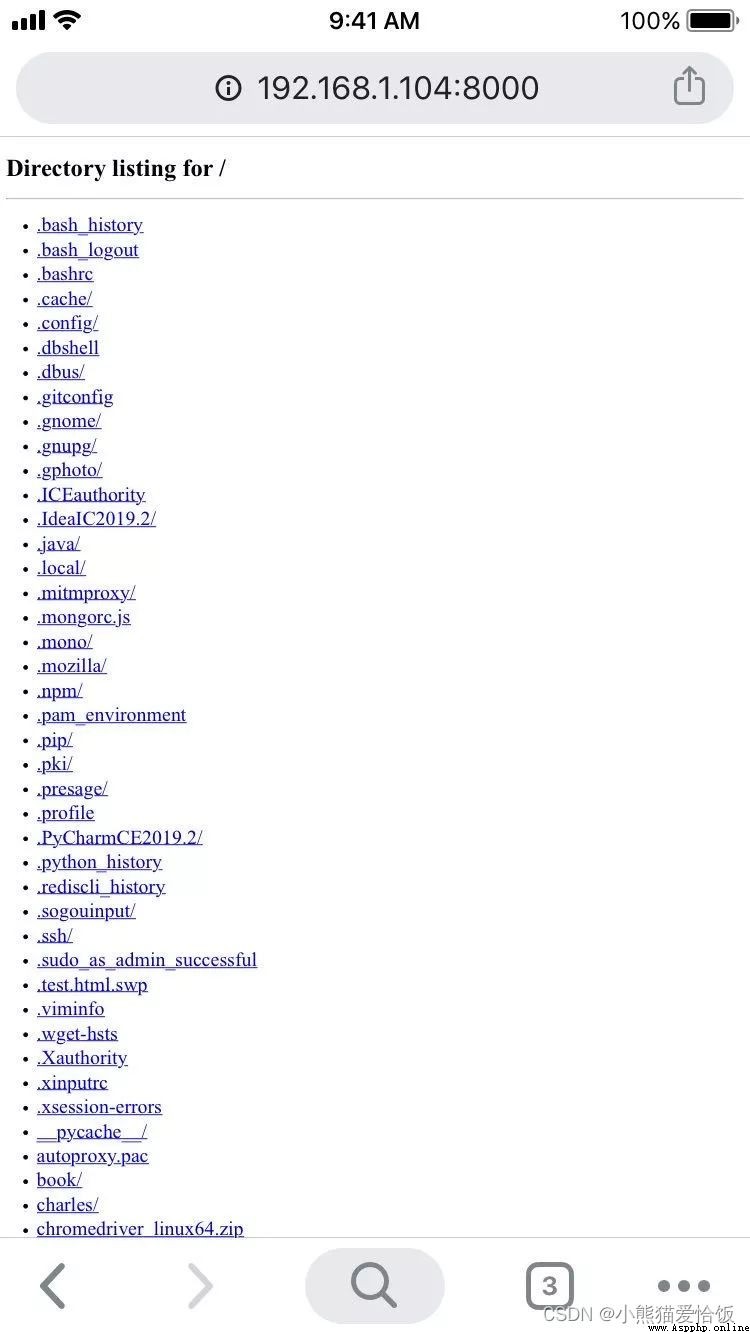
When you finish executing this order , Your computer will monitor 8000 port , Just access this port ( Cell phones and computers need to be in the same LAN ), Your cell phone can get all the files of your computer :
If you want to use a mobile phone or other device to access your computer files , You can have a look at your computer first IP Address :
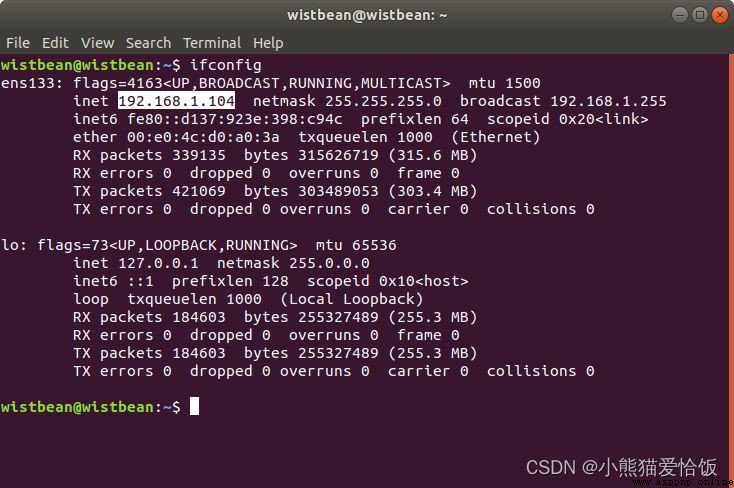
And then use it on your phone “IP : port ” Then you can access it :
Visit the pictures in the computer :
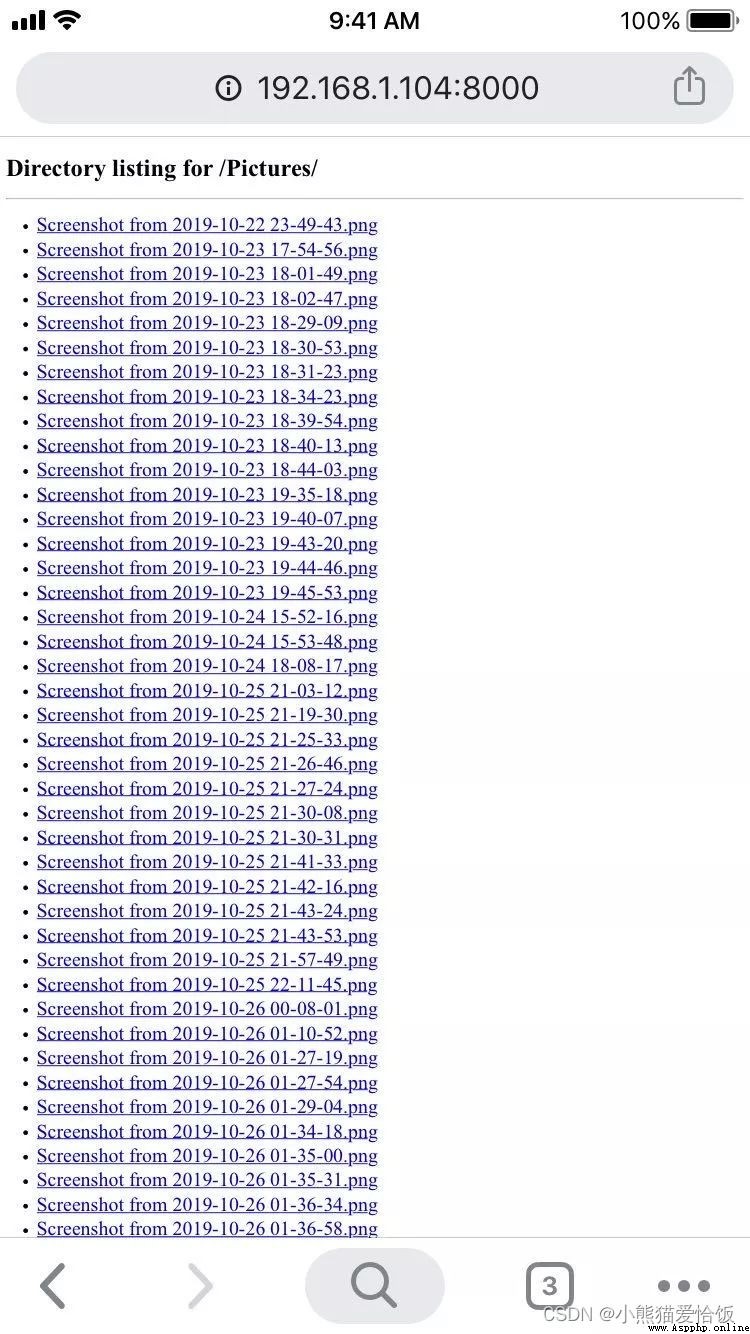
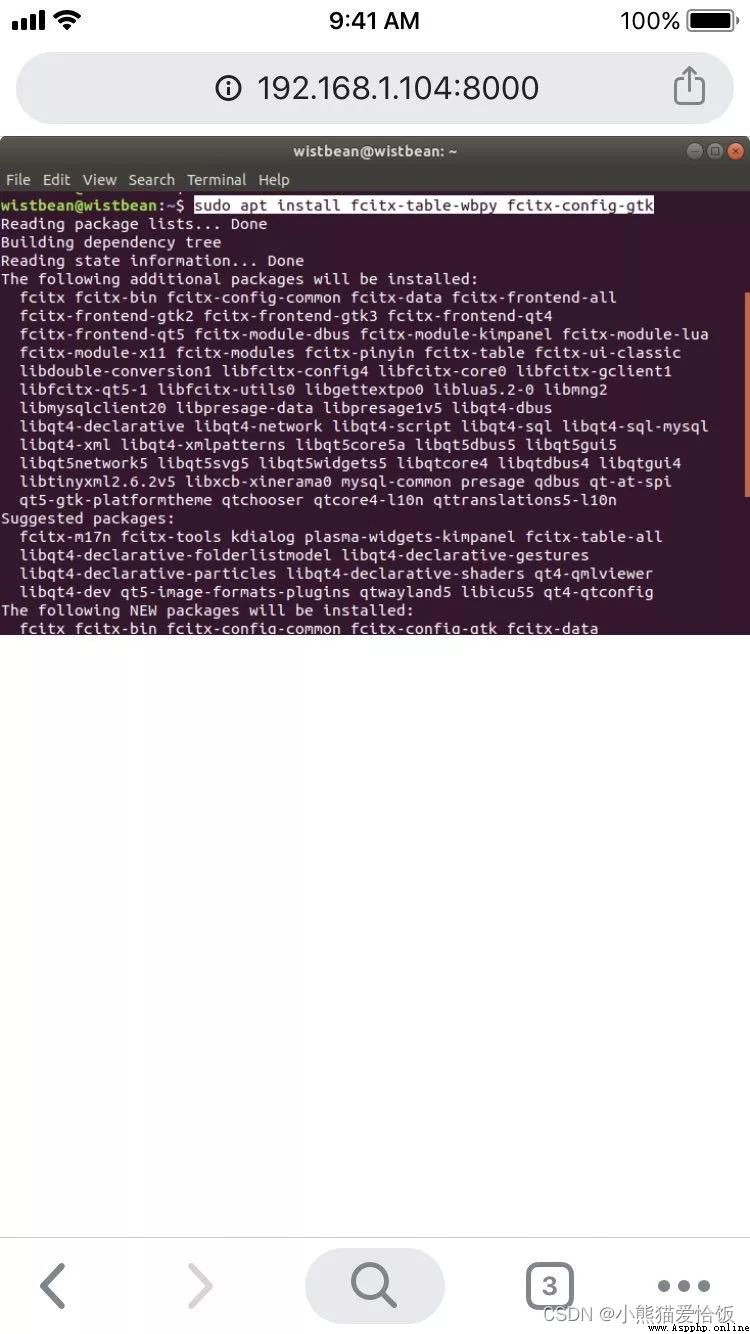
Choose any one :
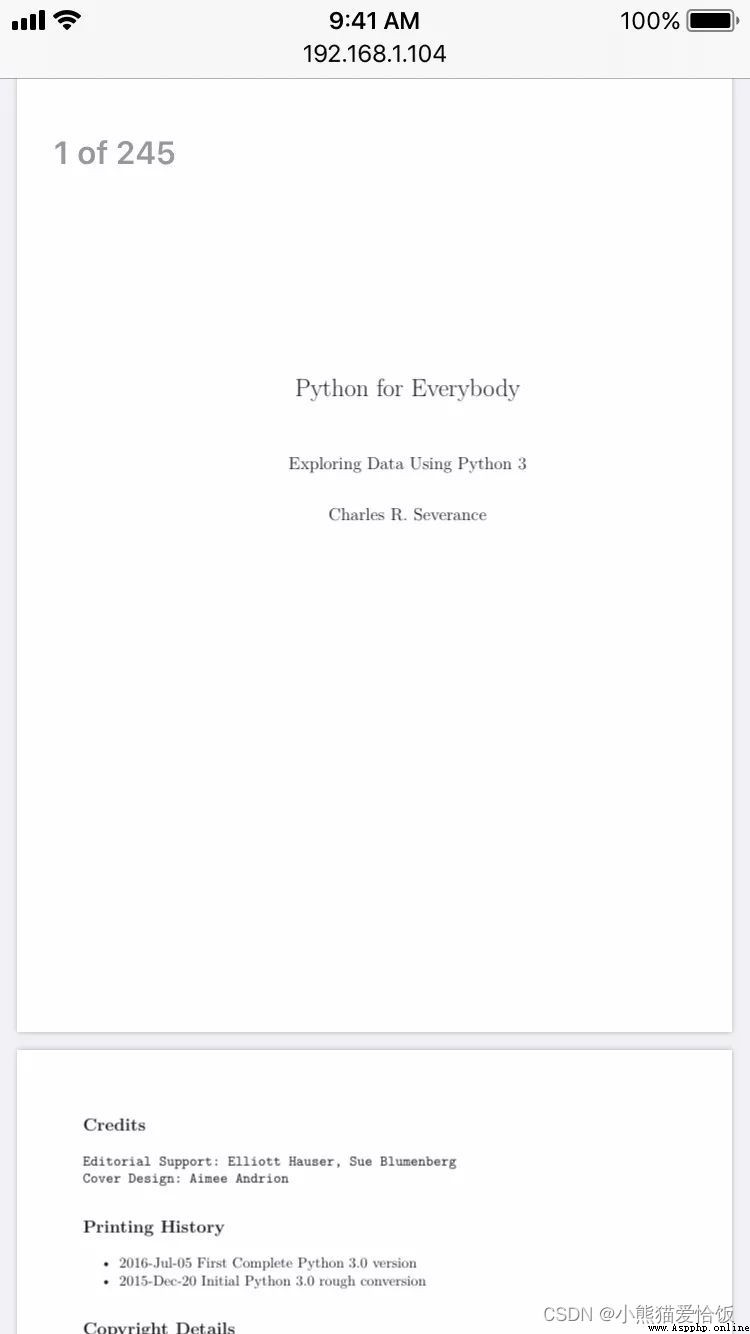
You can also directly check the PDF file :
Of course , You can also directly access the web page in the computer :
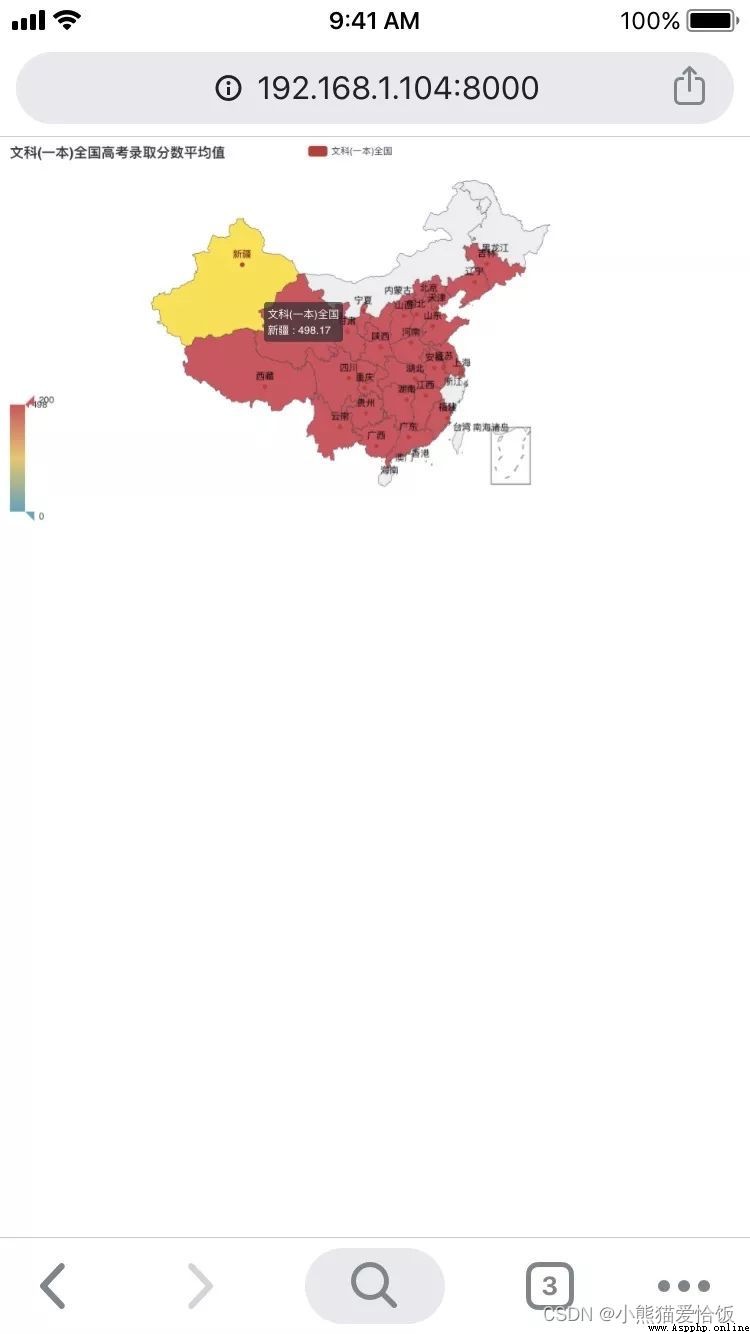
For larger documents , It can also be downloaded directly :
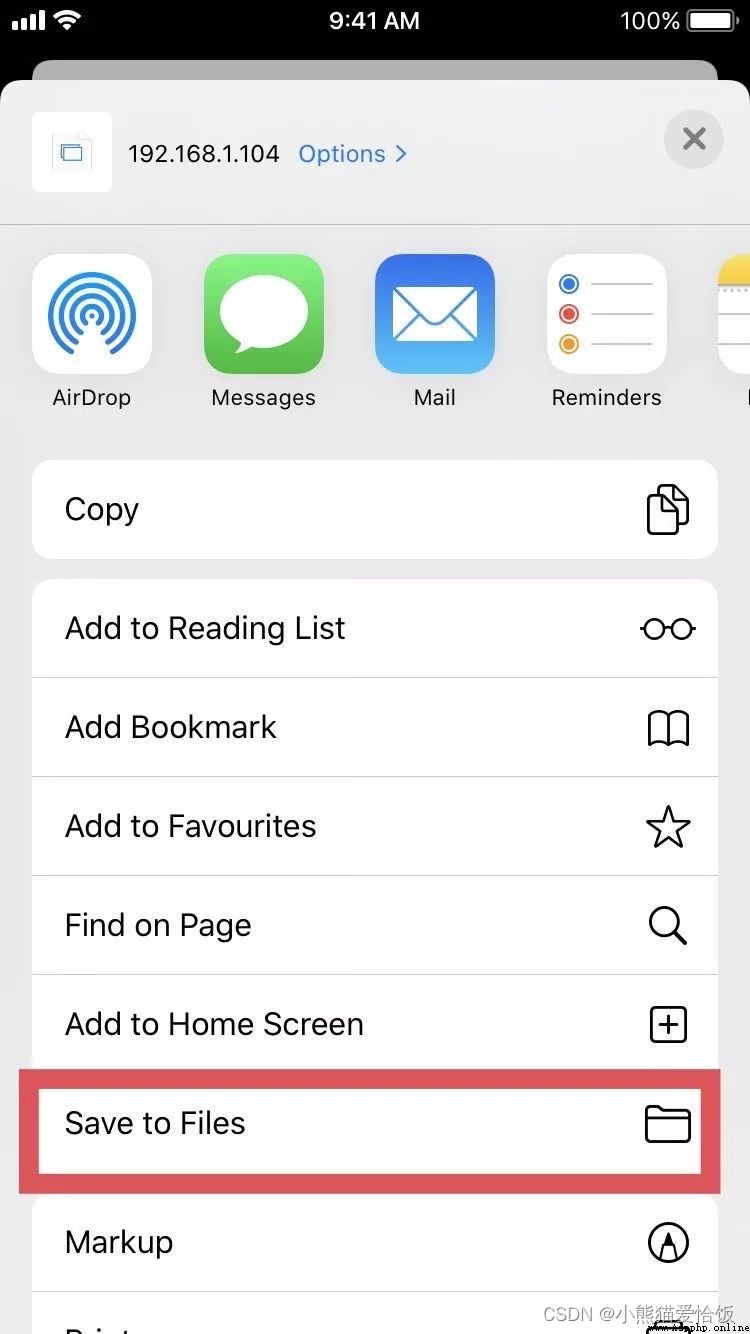
Then you can enjoy it in the mobile phone locally and offline :

Python The built-in cowherd ?
Of course , You don't want to monitor 8000 The port can be changed to something else , such as :
python3 -m http.server 8900 --bind 127.0.0.1
Python2 This is the order :
python -m SimpleHTTPServer 8900

however , It can only be downloaded but not uploaded , My photos can't be transferred to the computer , How can that be done ?
We already know that this is Python Built in http.server , Then you can inherit it , Expand the function of the point , That is to say, we need to add the upload function .
We know , To get files from a computer GET, Uploading files from the mobile phone is POST operation , So we can rewrite these methods , Just so handsome b On the Internet, I see that someone has inherited this module and expanded this function :
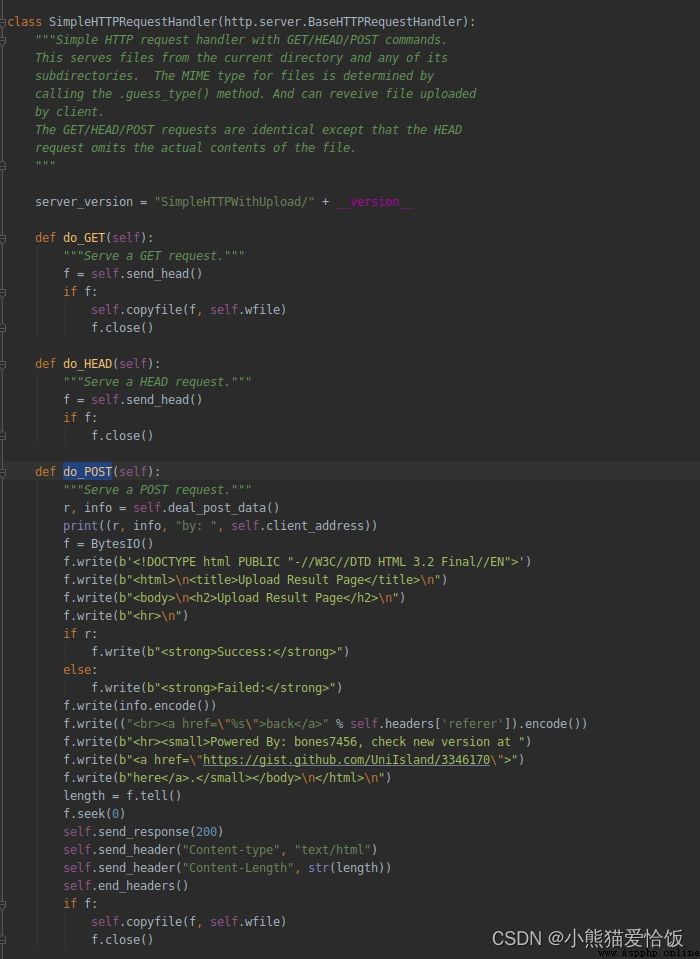
Run up :

You can access... Through your mobile phone :
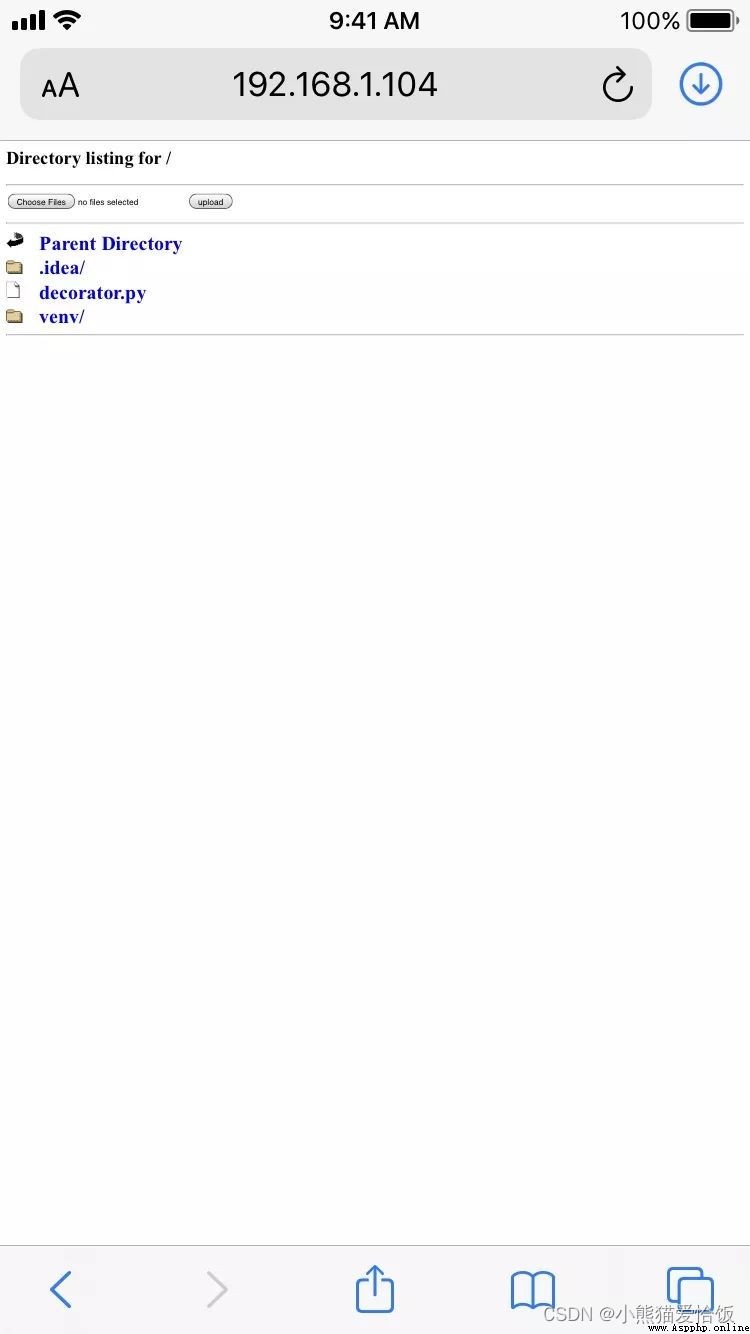
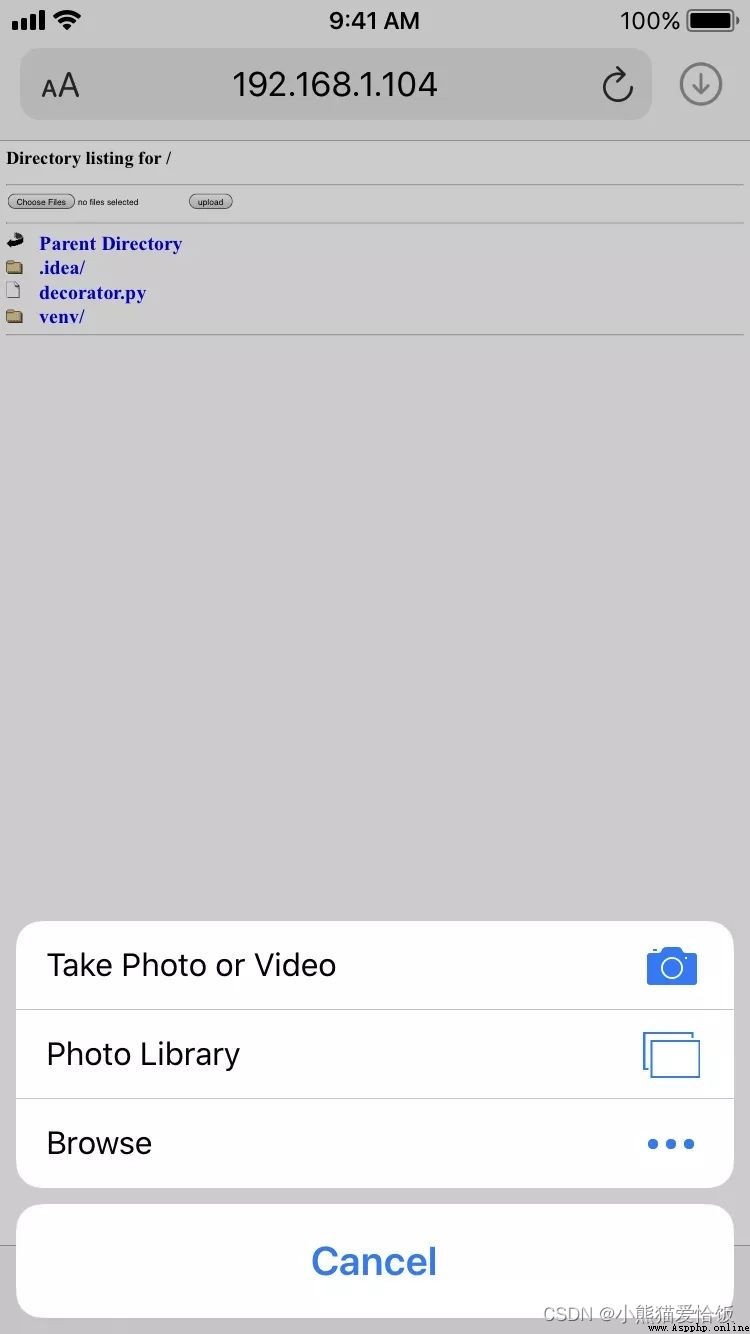
Select File :

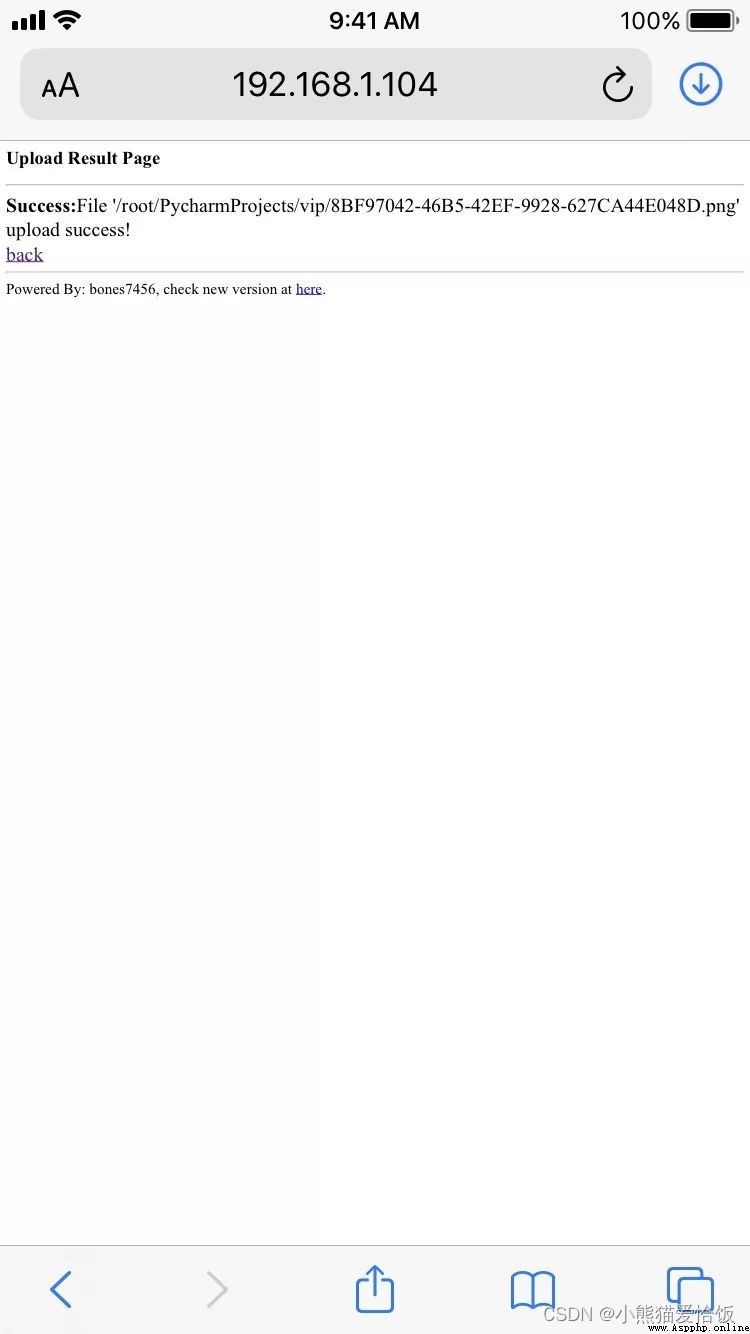
File uploaded successfully :
The computer receives files :