在項目中需要把幾張圖片合並在一起,如下圖

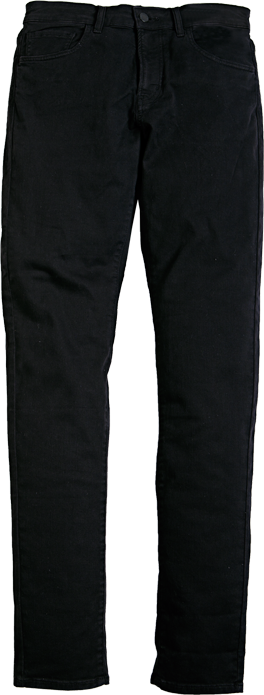
分別由頭、身、腿三張圖片合並起來


代碼如下:
 1 function combineImage($head_img,$middle_img,$footer_img,$save_path){
 2     $source_w = 400;
 3     $source_h = 1142;
 4     //取頭部圖片大小
 5     $head_size = getimagesize($head_img);
 6     $head_height = $head_size['1'];
 7     $head_width = $head_size['0'];
 8     $head_start_x = floor(($source_w-$head_width)/2);//頭部開始位置
 9     //取中間圖片大小
10     $midd_size = getimagesize($middle_img);
11     $midd_height = $midd_size['1'];
12     $midd_width = $midd_size['0'];
13     $midd_start_y = $head_height-15;//中間開始Y坐標,因為頭部的圖片底部有空白,所以減去15
14     $midd_start_x = floor(($source_w-$midd_width)/2);
15
16     //取底部圖片大小
17     $foot_size = getimagesize($footer_img);
18     $foot_height = $foot_size[1];
19     $foot_width = $foot_size[0];
20     $foot_start_x = floor(($source_w-$foot_width)/2);//底部圖片x坐標
21     $foot_start_y = $source_h-$foot_height;//底部圖片y坐標
22
23     $head = imagecreatefrompng($head_img);
24     $middle = imagecreatefrompng($middle_img);
25     $footer = imagecreatefrompng($footer_img);
26
27     $bg_img = imageCreatetruecolor($source_w,$source_h);//生成背景圖片
28     $color = imagecolorallocate($bg_img, 255, 255, 255); //設置白色背景
29     imagefill($bg_img, 0, 0, $color);//背景色填充
30     imageColorTransparent($bg_img, $color);//透明
31     imagecopyresampled($bg_img,$head,$head_start_x,0,0,0,$head_width,$head_height,$head_width,$head_height);
32     imagecopyresampled($bg_img,$middle,$midd_start_x , $midd_start_y,0,0,$midd_width,$midd_height,$midd_width,$midd_height);
33     imagecopyresampled($bg_img,$footer,$foot_start_x , $foot_start_y,0,0,$foot_width,$foot_height,$foot_width,$foot_height);
34
35     imagepng($bg_img,$save_path );
36 }
37 $head = dirname(__FILE__).'/public/images/head.png';
38 $midd = dirname(__FILE__).'/public/images/midd1.png';
39 $foot = dirname(__FILE__).'/public/images/foot1.png';
40 $save_path = dirname(__FILE__)."/public/images/testcomblie.png";
41 combineImage($head,$midd,$foot,$save_path);