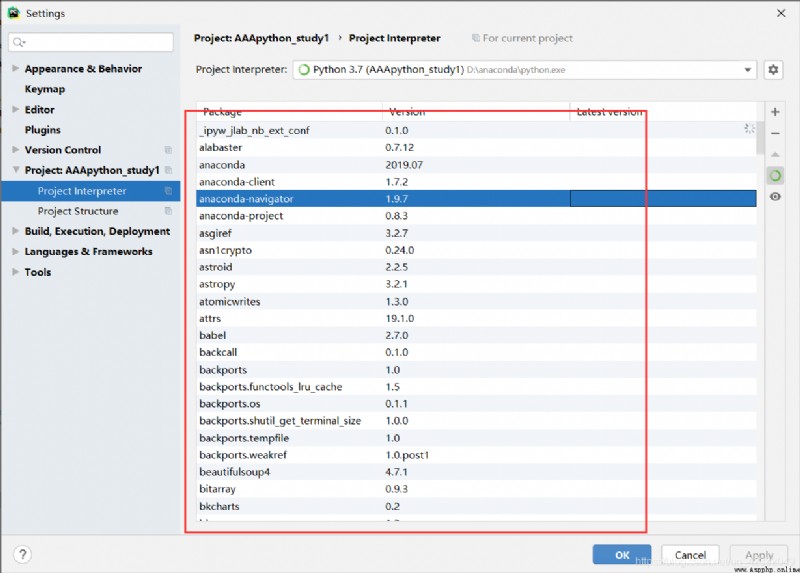
1. Select Settings 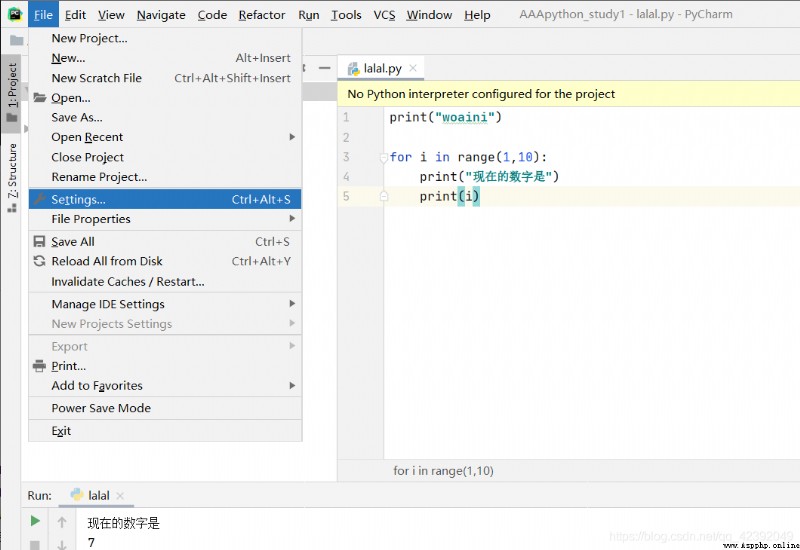 2. Open the interpreter option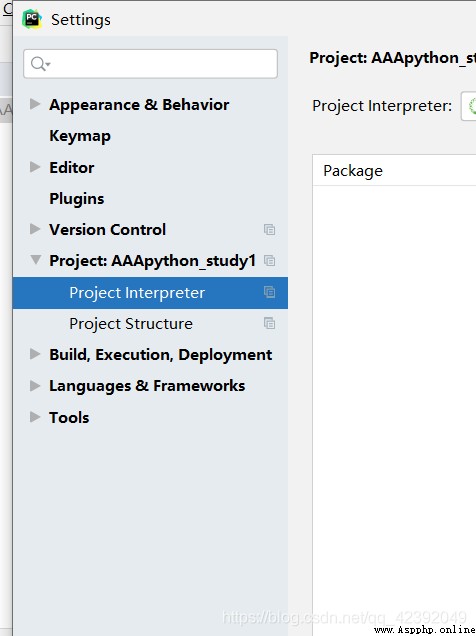
3. This is what it looks like when you open it ( Your will be different from mine , I installed the interpreter , It's the same after you install it )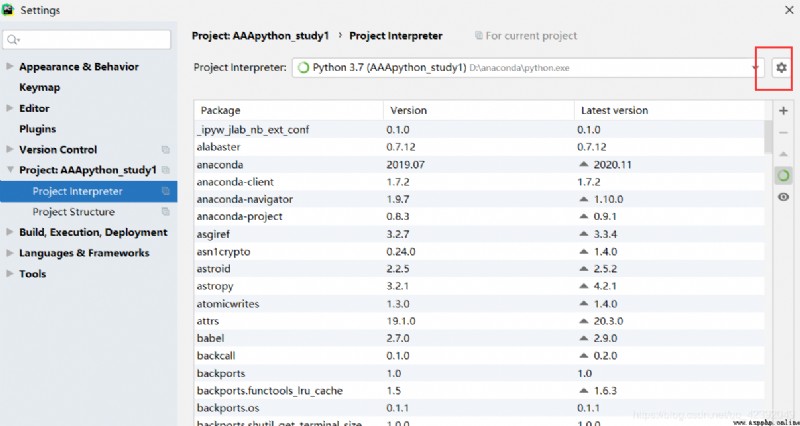
4. Add Interpreter Program 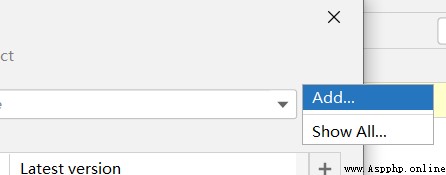
5. Add the interpreter path here , And then click ok That's all right. 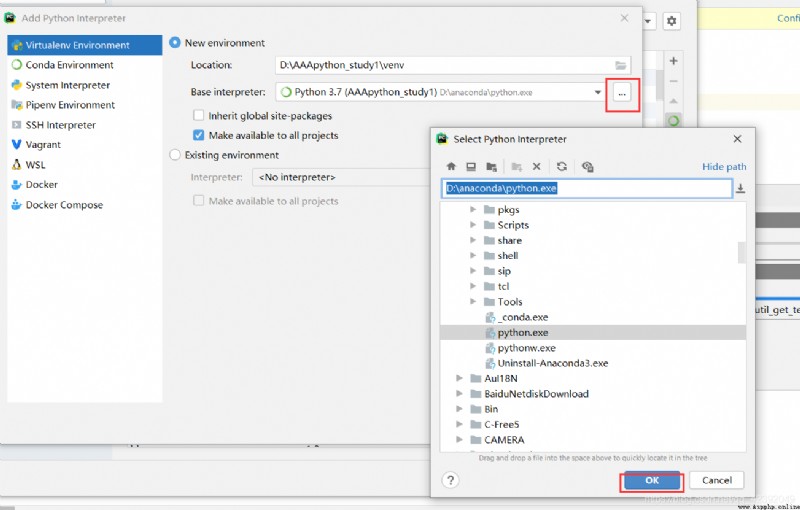
6. If it works , Many package names and attributes will appear here